Triggers
What starts the process
Business process automation
Automate repetitive processes, connect disconnected systems and turn manual workflows into reliable digital processes.
Workflows · Approvals · Integrations · Notifications · Reporting
The operational problem
Repeated steps and disconnected tools can make routine work slower to track and harder to execute consistently.
Repetitive data entry
Copying information between systems
Manual approval chains
Spreadsheet-based workflows
Reports compiled by hand
Repeated email and notification tasks
Staff checking multiple systems
Delayed customer follow-ups
Manual status updates
Inconsistent process execution
Disconnected applications
Unnecessary administrative work
Every repetitive process is an opportunity to make the business more efficient.
Automation can reduce unnecessary manual steps and improve consistency. It supports employees; it does not remove the need for people to handle judgment, exceptions and customer needs.
What it means
Software and defined workflows execute repeatable business tasks according to rules the organization understands.
For example, when an order is created, a process may check payment state, update an inventory record, notify the next team, send the customer a status message and make the change visible in reporting. Each step should have a defined owner, condition and failure path.
What starts the process
When a path applies
How the next step is chosen
What the system does
Where people decide
How systems exchange data
Who needs an update
How the process is reviewed
What we automate
The right process is repeatable, has understandable rules and creates meaningful operational value when handled more consistently.
Capture enquiries, assign ownership, trigger follow-ups and update sales stages.
Send relevant confirmations, reminders, status updates and follow-up notifications.
Move orders through status changes and notify the next person or system in the process.
Connect stock changes with order activity, alerts and operational actions.
Route requests to the right people and record decisions and next steps.
Coordinate internal requests, assignments, reminders and approvals.
Coordinate availability, confirmations, reminders and appointment status.
Collect process activity for operational views, summaries and dashboards.
Move information through defined review and approval stages.
Keep selected records in sync across systems where their interfaces support it.
Workflow anatomy
Reliable automation is a sequence of defined decisions and actions, with each stage able to be observed and handled.
A trigger starts the process. Conditions and business rules decide what applies. Actions update data or assign work. Integrations pass information where supported. Notifications keep relevant people informed, and reporting makes process activity available for review.
An event starts the process: a request, update, scheduled time or system event.
The workflow checks whether the record and situation meet defined criteria.
Rules determine the next step, responsible role or required decision.
The system updates a record, assigns work or advances the process.
Relevant data is passed to another connected system when supported.
The appropriate user or customer receives a useful update.
The activity becomes available for operational review and reporting.
Example workflows
These are generic workflow examples to illustrate possible system behavior, not claims of completed client implementations.
Example 01
Example 02
Example 03
Example 04
Example 05
System integration
Automation is most useful when systems can exchange the right information at the right time.
Depending on what the systems support, the integration layer may use REST APIs, webhooks, databases, scheduled exchanges or internal application interfaces. Connected systems can include CRM, ERP, payment, communication, email, booking and other business applications. Each connection needs authentication, data mapping, validation, failure handling and a clear source of truth.
Explore API integration servicesKeep service boundaries clear
Choose the approach based on the kind of work the process requires.
Predictable, rule-based work
Best for repeatable tasks with known conditions and outcomes: if payment succeeds, update an order; if stock falls below a threshold, create an alert; if a request is approved, notify the next department.
Business automation services →Language and unstructured information
AI can assist with interpreting documents, classifying text, summarizing information or producing recommendations. A business workflow can then apply rules, route for human review and record the outcome.
They can also work together: customer email → AI-assisted intent extraction → business rule → CRM update → team notification. Human review can remain part of the process where it is needed.
Automation, applications and business systems
Automation coordinates a defined process. Custom software provides a larger application or platform around business operations.
Use workflow automation when a defined process spans people or systems and the rules are clear.
Use a custom application when the business needs a larger system for records, roles, workflows and operations.
Some applications include automation as part of a broader custom business system.
For a broader platform, see custom business software or custom web application development. Automation can also operate around CRM and ERP systems.
Custom workflow development
Some processes do not fit standard automation tools or configuration options.
A custom workflow system can reflect business rules, departments, approval chains, user roles, data structures, integrations and reporting needs. The work includes software engineering: defining boundaries, handling exceptions and making the workflow understandable to users and maintainers.
Custom business software development →Purchase, leave, expense, onboarding, vendor or document requests.
Assign requests by role, department or defined condition.
Alert the right people about deadlines and status changes.
Keep a useful history of actions and decisions.
Notifications and reporting
Notifications and reports should be tied to useful events and decisions, not added as noise.
Email, in-system notices, reminders, status updates, deadline alerts and customer notifications can be triggered by defined events where the systems and channels support them. Scheduled reports, dashboards, KPI views, exception reports and activity summaries can reduce manual compilation and help teams see what needs attention.
A request is waiting for approval
An order changes status
A deadline is approaching
A workflow enters an exception state
A scheduled report is ready
Reliable automation
A workflow is not reliable just because its normal path works. Design for failure, visibility and recovery.
Monitoring, logs and staff-facing recovery paths help teams understand what failed and what to do next. Automation should not conceal a stalled process or silently drop a business event.
Security and access
Workflows often handle business records and service credentials, so access and deployment need deliberate design.
Authentication
Authorization and role permissions
Secure API communication
Input validation
Access control
Logging and audit history
Secrets management where appropriate
Secure deployment practices
Security depends on the application, systems and operating practices. No automation can be described as absolutely secure.
Discovery and prioritization
Start with a process that matters to people and the operation, not simply the easiest task to automate.
We map the current path, identify repeated steps and bottlenecks, document rules and exceptions, then design an appropriate workflow. Testing should cover normal cases, rejection paths, integration failures and data problems before expansion.
Task frequency
Time and people involved
Error rate and process delays
Customer or employee impact
Integration complexity
Maintenance requirements
Operational value
Exception volume
Automate processes that create meaningful operational value—not simply the processes that are easy to automate.
How we work
Discovery keeps the solution connected to real users, systems and operating needs.
Document how work happens today, including users, handoffs and exceptions.
Identify routine tasks and repeated data handling that consume staff attention.
Find delays, unnecessary steps, duplicate entry and unclear ownership.
Write down conditions, decisions, permissions and exception paths.
Choose triggers, actions, integrations, approvals and status behavior.
Implement the automation and connect systems through supported interfaces.
Validate normal paths, exceptions, failures, logs and alerts.
Use operational feedback to refine the workflow as requirements change.
Possible use cases
These are examples of processes we can assess—not claims of existing customers or completed projects in every industry.
Appointment, request and status workflows.
Reservation, guest and operational notifications.
Membership, attendance and follow-up processes.
Order, inventory and customer status updates.
Purchase, stock and fulfilment workflows.
Enquiry assignment, booking and task status.
Client requests, documents and approvals.
Employee requests, tasks and department handoffs.
Related product work
These published JoomRocks products are relevant examples of business software. No automation performance outcomes are claimed here.
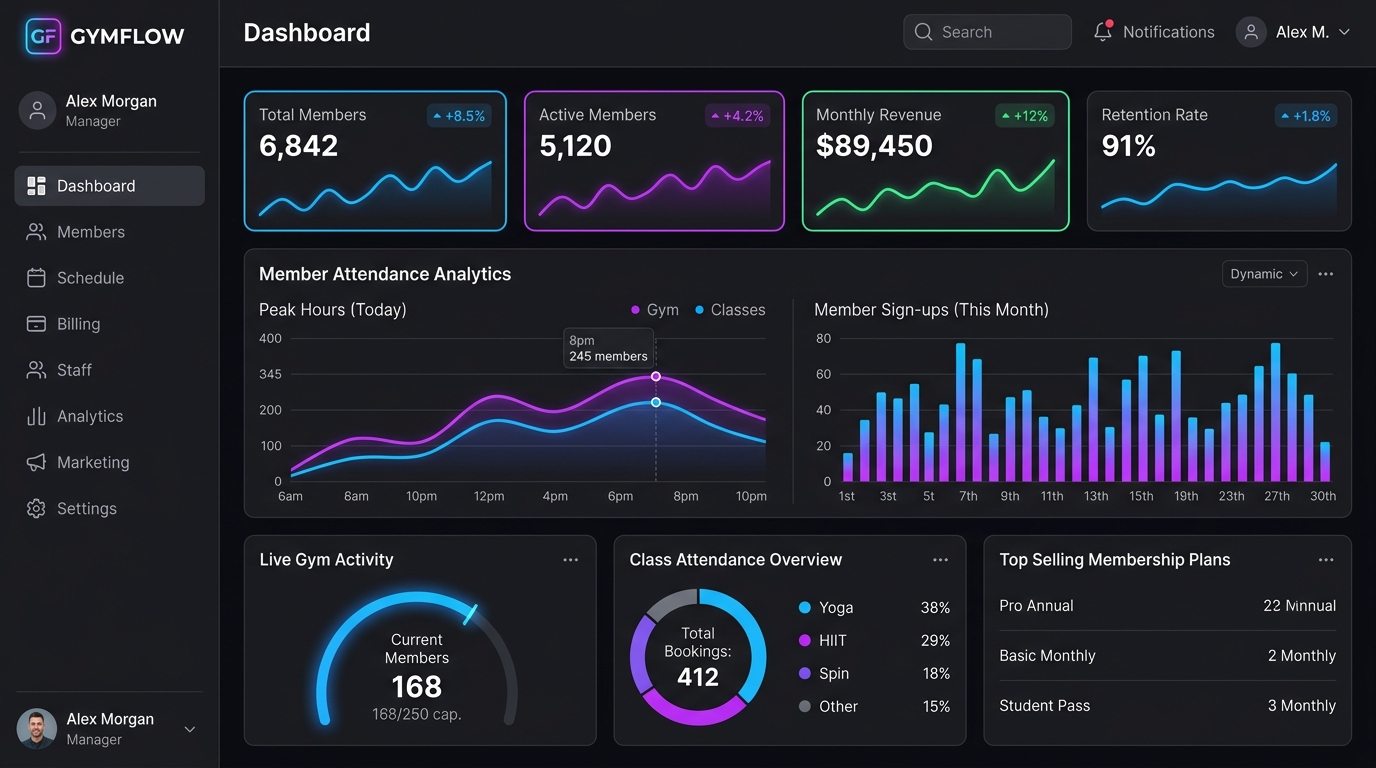
Gym management SaaS
Its published product information covers memberships, attendance, billing and gym operations.
Explore Trainzo →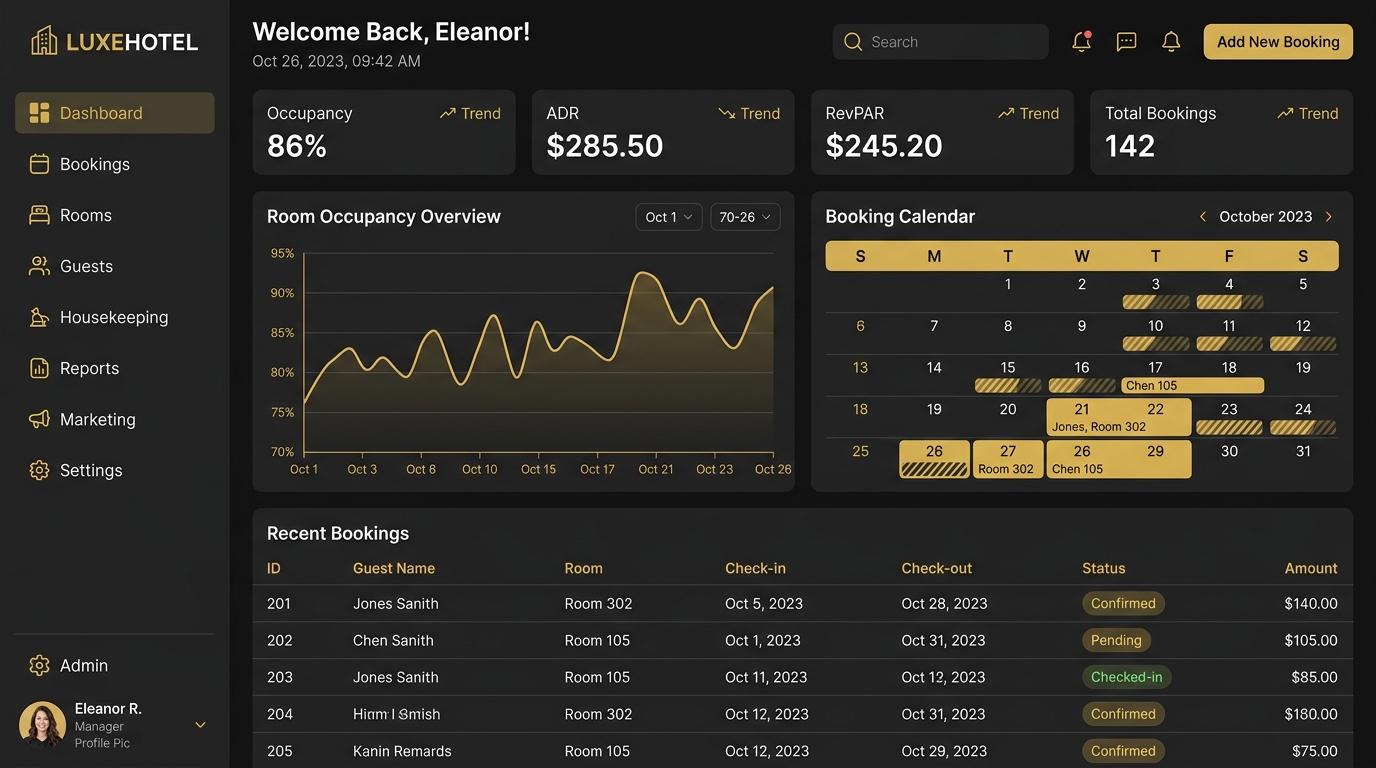
Hotel management software
Its published product information covers bookings, guest operations, billing and hotel workflows.
Explore InnManager Pro →Engineering approach
The automation layer can involve APIs, webhooks, scheduled jobs, background processing, databases, business rules, notifications and custom applications.
Triggers, conditions and explicit state changes.
Validation, mapping, synchronization and reconciliation.
Authentication, permissions and role-aware actions.
Logging, monitoring and recovery when a path fails.
Depending on the process, automation can be added around an existing application through APIs, webhooks, scheduled synchronization, database access where appropriate, custom middleware or a phased modernization plan. Related capabilities include custom PHP development and custom business software.
Business automation FAQ
Answers depend on how the process works and what the connected systems make possible.
Business process automation uses software and defined workflows to perform repeatable tasks according to business rules. A workflow can include triggers, conditions, actions, approvals, integrations, notifications and reporting.
Potential workflows include lead assignment, follow-up reminders, order status changes, purchase approvals, employee requests, booking confirmations, inventory alerts, data synchronization and recurring reports. Suitability depends on clear rules and supported systems.
Cost depends on workflow complexity, systems involved, integrations, number of processes, data requirements and custom development. We need to understand the current process and exceptions before estimating.
Timing depends on the process, number of systems, quality of available interfaces, approval paths, testing and review. Once the workflow is mapped, the scope can be divided into stages.
We can assess REST APIs, webhooks and other supported interfaces to determine whether systems can exchange the required information. Integration design also covers data mapping, authentication, failure handling and ownership.
Often, if the system provides suitable configuration options or integration interfaces. We review the product and workflow before recommending an integration or a custom workflow layer. See CRM and ERP development.
Yes. An approval flow can route requests by role or condition, capture a decision, notify the next person and update status. Escalation and rejected or returned requests should also be defined.
Recurring summaries and event-based notifications can be generated when the required data is available and the delivery channels are supported. We define recipients, timing, conditions and what should happen if data is missing.
Traditional business automation handles predictable, rule-based processes. AI automation is more suited to language, documents, classification or other tasks requiring model-based interpretation. They can work together, with business rules controlling what happens after AI-assisted processing.
Sometimes. Automation can be added around an existing system through APIs, webhooks, scheduled synchronization or a custom workflow layer. Feasibility depends on the system's access and supported interfaces.
Reliable workflows need defined handling for missing or invalid data, failed calls, duplicate records, rejected approvals and unavailable services. This can include retries, logs, alerts and a recovery path for staff.
We can discuss monitoring, troubleshooting and changes as connected systems or business rules evolve. Support scope depends on the workflow, operating environment and response needs.
Find the work your business shouldn’t have to do manually
We’ll help identify where software, integrations and automation can make it simpler. Start with the workflow, the systems involved and the exceptions your team needs to handle.
Tell us about the repetitive tasks, manual processes or disconnected systems you want to improve. We can explore an appropriate automation workflow.

We build scalable SaaS platforms, automation systems, and custom web applications for growing businesses.
Have a project idea? Let’s discuss and build something great.
Get Free Consultation